Automate Your Agency in 3 Steps: The ListingMine ERP Setup Guide
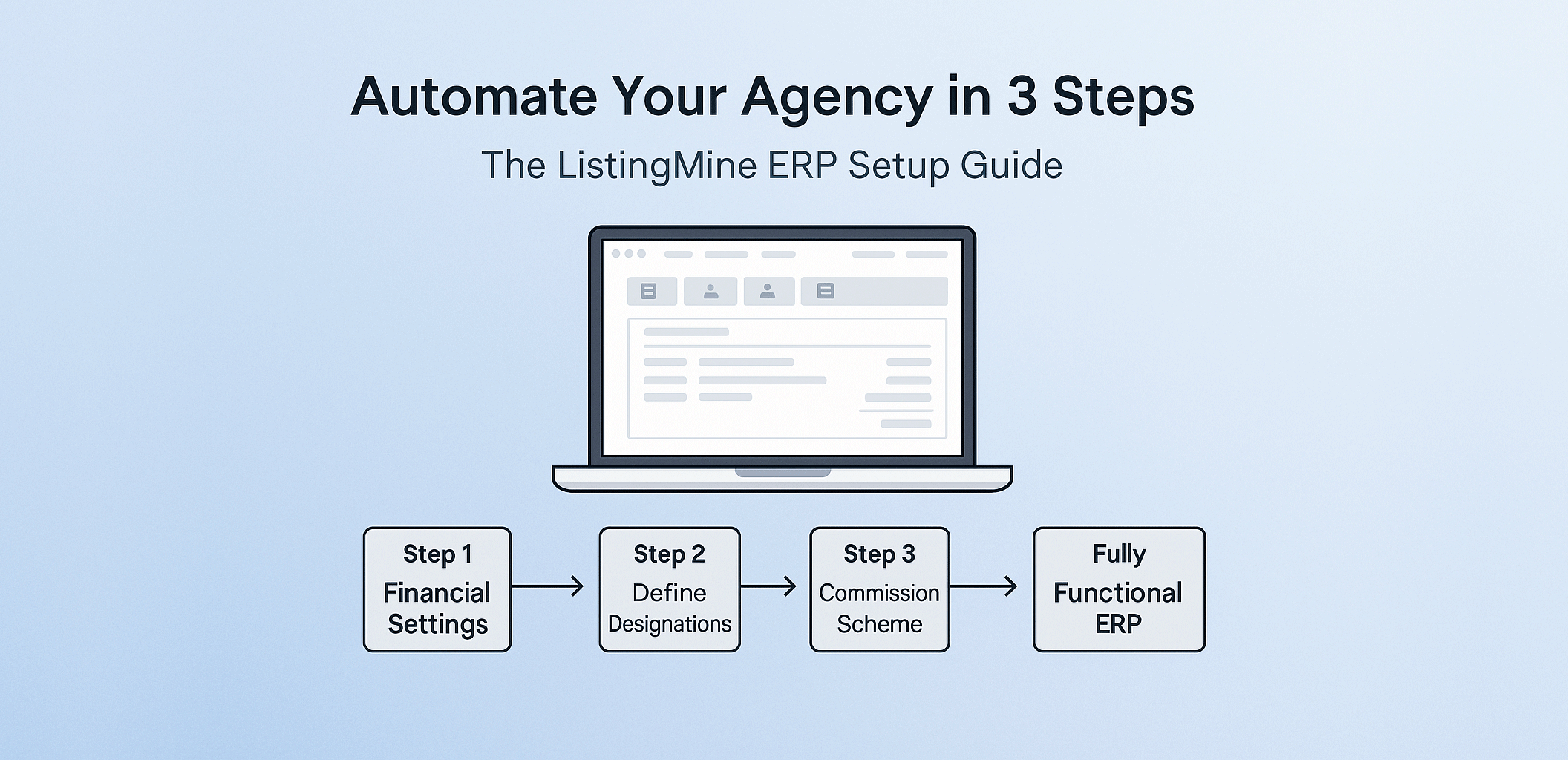
After understanding the unfair advantage of using ListingMine ERP — a system designed to help real estate agencies scale faster, automate complex commission rules, and retain top agents — it’s time to put that power into action.
In summary, ListingMine ERP enables you to:
- Manage unlimited commission split rules with tiered overrides
- Track points and KPIs for promotions and demotions
- Generate and manage Invoices, Receipts, Payment Vouchers, Credit/Debit Notes
- Perform mass billing and bulk payouts in seconds
- View comprehensive financial and performance reports
- Display Top Sales rankings (monthly, quarterly, yearly)
- Build your own Beike-style ACN (role-based Agent Cooperation Network)
These features make your agency transparent, automated, and scalable — giving every leader, admin, and negotiator clarity in how work is rewarded.
Now that you understand why it matters, let’s walk through how to set it up. It only takes three steps to launch your fully operational ERP.
Visual Roadmap: From Zero to Fully Functional ERP
[Create Group & Become Admin] ↓ [Step 1: Financial Settings] ↓ [Step 2: Define Designations] ↓ [Step 3: Define Commission Scheme] ↓ [Fully Functional ERP]
Once these three steps are complete, you’ll have a fully operational, automated back-office system — built for real estate, not retrofitted from corporate accounting software.
Step 1: Financial Settings
Your Financial Settings form the foundation of your ERP. This is where you configure all financial documents, account records, tax rules, and organizational data. To make it easier, we’ve grouped the 11 key components into three clear sections.
Core Documents
- Invoice
Used to bill clients for services rendered (e.g., sale or rental commissions).
Setup:- Add a prefix (e.g., INV/2025/001)
- Upload your logo and letterhead
- Define payment terms and accepted methods
- Receipt
Two types are supported:- Official Receipt – for full payments
- Deposit Receipt – for partial payments
- Payment Voucher
Used internally to authorize commission or incentive payouts to agents. Each voucher is tagged to transactions for audit clarity. - Debit Note
Add extra charges or correct underbilling (e.g., missed fees). Doesn’t replace invoices — it adjusts them. - Credit Note
Used for discounts, cancellations, or refunds. Maintains audit history while reducing invoice totals.
Accounts & Tax
- Bank Accounts
Purpose: Record-keeping, not live sync. You’ll log your main operating bank account for incoming funds and can add trust/client accounts to track deposits before disbursement. - Tax
Admins define tax names and rates (e.g., SST 6%). Multiple taxes can be configured (e.g., SST + Withholding). Each tax appears clearly on invoices with name, rate, and computed amount.
(Note: ListingMine currently supports Malaysia’s SST structure. GST-ready architecture is in place for future updates.) - Currency
Currently fixed to Ringgit Malaysia (RM).
Company & Visibility (Who you are and what your team can see)
- Group Info
Enter agency particulars:- Company name
- Address
- Contact info
- SSM number
- BOVAEP registration number
- Sales Report Visibility
Assign hierarchy-based visibility.
Example: In a chain A-B-C-D-E, if C closes a deal, uplines A and B can see it for override verification. Supports up to six levels. You can set this later when you have inserted all your group members. - External Team
Create profiles for external collaborators (introducers, referral agents). Assign bank details and payout structures — so even outside partners are handled systematically.
Once these are set, your financial backbone is complete. Your agency is now ready to issue documents, record transactions, and produce accurate reports.
Step 2: Define Designations
This step maps out your hierarchy — the structure your commission engine relies on. You’ll define titles such as:
- Principal / Group Leader
- Team Leader
- Senior REN
- REN
Once this is done, the ERP recognizes who reports to whom and applies overrides, points, and visibility accordingly.
For example:
- Top Sales Leaderboards (monthly, quarterly, yearly)
- Promotion/Demotion Tracking via points
- Automated Overrides based on upline position
If you already have a rank system, simply mirror it here. The ERP will handle the rest.
Step 3: Define Commission Scheme
(Choose between Subsale or Project Market) ListingMine supports two distinct scheme types, each tailored to Malaysia’s market realities.
1. Subsale Commission Scheme (Secondary Market)
Best for: Resale transactions — one seller, one property.
Design Focus: Simplicity and single-unit logic.
Example:
A negotiator closes a RM 800,000 condo resale.
Total commission = RM 16,000 (2%).
Your scheme auto-splits:
- Negotiator: 60% = RM 9,600
- Team Leader: 10% override = RM 1,600
- Company: 30% = RM 4,800
No spreadsheets, no manual math — the ERP does it instantly.
2. Project Commission Scheme (New Property Market)
A developer (single seller) offers multiple units with varied campaigns.
Example:
You’re marketing SkyVilla Residences. The developer offers 3% commission, but during launch, you want to reward agents with a higher base payout.
You create a “SkyVilla Launch Scheme” to assign bonus tiers or higher agent splits, all within the same ERP. Perfect for large-scale, multi-phase projects.
Commission Table: Powerful, Yet Guided
The setup table may look big — but every field has a built-in “i” (info icon) explaining its purpose. Once you understand the logic, you’ll never need spreadsheets again.
Key Features
- Single-Tier 100% Base: All splits add up to 100%, ensuring accuracy.
- 8 Override Types: Handle any structure (by role, level, amount, or points).
- Points System:
- Track personal & group sales points
- Define promotion/demotion criteria
- Convert RM-based goals into points if needed
Whether your current model uses fixed %, tiered %, or RM-based incentives, the ERP can mirror it with a single-tier conversion.
Once complete, the ERP auto-calculates:
- Commissions
- Overrides
- Invoices
- Vouchers
- Reports
- KPI points
Bonus: Build Your Own Role-Based ACN
Want to take it further? You can design a Beike-style Agent Cooperation Network (ACN) inside your ERP.
Assign roles like:
- Listing Agent
- Key Holder
- Closing Agent
- Document Verifier
- Photographer
- Finance Advisor
Each role earns a predefined percentage from the total commission — based on proof of contribution. This encourages collaboration while maintaining accountability.
Final Takeaway: Build It Once, Automate Forever
Setting up ListingMine ERP is a one-time effort that transforms your agency from manual chaos to digital precision.
After three steps, you’ll have:
- Fully automated commission workflows
- Transparent financial tracking
- Rank-based promotion logic
- Beike-style cooperation
- Reports that make accountants smile
Don’t wait for “someday.”
Automate your agency in 3 steps — and let ListingMine ERP do the heavy lifting.