Your Property Website. Done in Minutes.
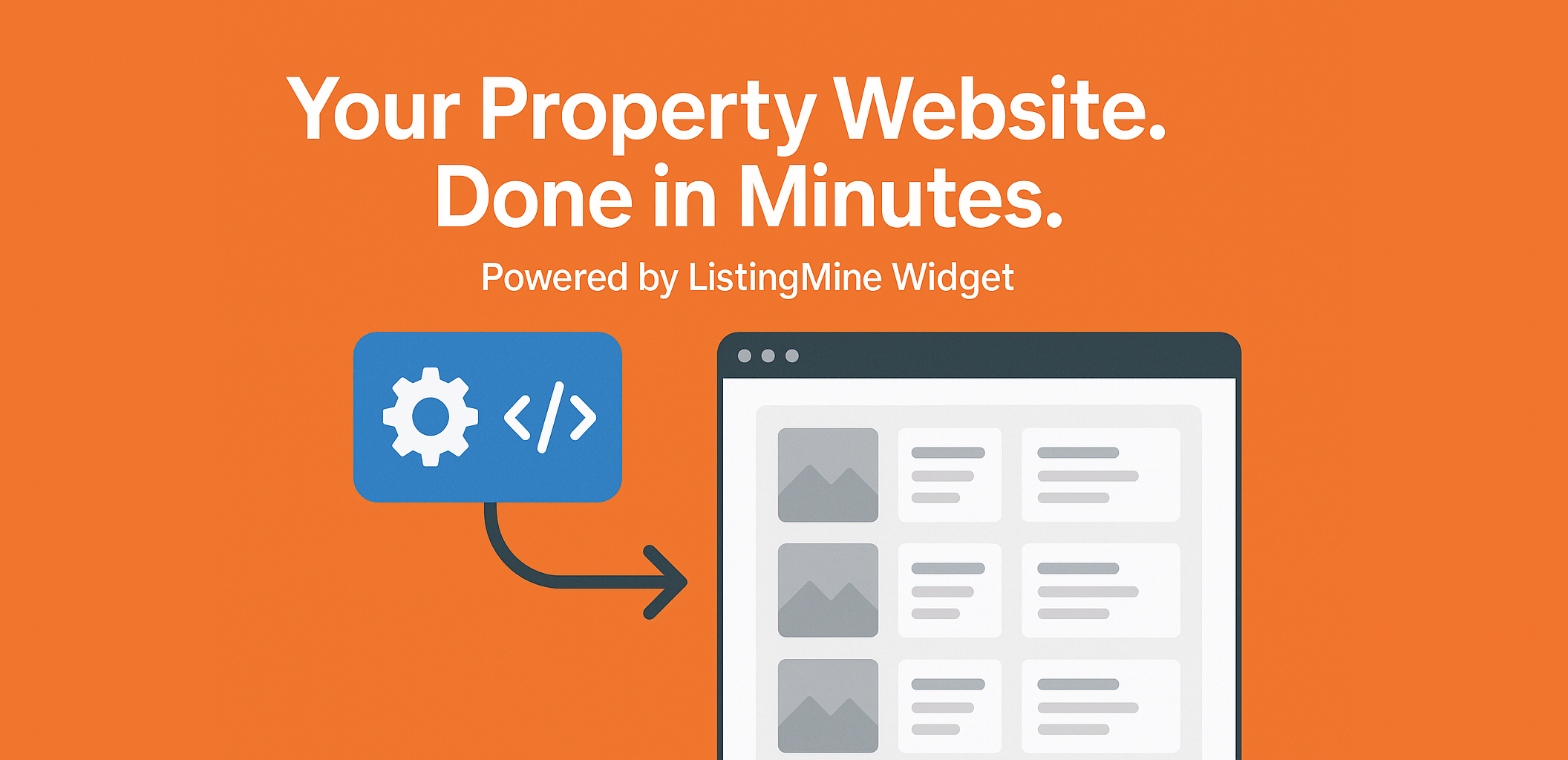
Embed a full listing engine into your site — powered by the ListingMine Generate Widget.
Tired of crowded portals, clunky personal websites, and messy WhatsApp chains for sharing listings? You’re not alone.
Most agents already have the inventory — but lack a powerful, branded online presence they truly own. That’s the gap we built the ListingMine Generate Widget to fill.
It’s your simple, secure, and powerful solution for bringing your listings, your partners’ listings, and your brand under one roof — while keeping full control of your design, SEO, and lead capture.
Think of it as embedding the entire ListingMine backend — a full property engine — into your website, just like how you embed a complex YouTube video system with a single link. You don’t have to rebuild the backend, database, or search functions.
Just generate your unique widget URL, paste it into your website, and your listings go live — instantly and always up to date.
The Hard Truth About Building Your Own Property Website
Many agents embark on building their own site, only to discover a critical problem: they’ve built the pages, but not the listing engine.
A true property engine requires:
- A secure, reliable database
- A backend for uploading, editing, and managing listings
- Advanced search and filter functions
- Protection against data breaches and duplication
Building all this from scratch is a nightmare:
- It’s Costly: Development and server expenses can exceed RM10,000–RM20,000.
- It’s Bug-Prone: Custom code often breaks with simple CMS or theme updates.
- It’s Risky: Outdated property plugins are prime targets for hackers, putting your site and data in jeopardy.
The ListingMine Widget solves all of this. You get a professional, always-updated listing engine on your own branded website — without technical headaches, bugs, or security risks.
Why Agents Love the ListingMine Widget
- Your Site, Your Brand: Maintain full control over your website’s layout, marketing funnels, and SEO/SEM strategy.
- Always Up-to-Date: Edit a listing once in your ListingMine account, and it updates automatically everywhere the widget is embedded.
- Team-Ready & Collaborative: Invite partners (by phone number) to seamlessly share their listings to your widget — ideal for alliances and project teams.
- Structured & Searchable: Replace chaotic WhatsApp forwards with a tidy, organized, and fully searchable inventory.
- Full Lead Ownership: All enquiries come directly through your website — not a third-party portal. You own the customer relationship.
How It Works: Get Live in 3 Simple Steps
1. Generate Your Widget
Inside your ListingMine account, go to Generate Widget, name it (e.g., “KL Luxury Condos”), and copy your unique widget link.
2. Embed on Your Site
Paste the link or iframe code into any website builder (WordPress, Webflow, Wix, Notion). Your live listings will appear instantly.
3. Share & Populate
Add partners’ phone numbers to allow them to share listings. Then, from any private listing, use the Exposure Module to push it to your widget.
Example Embed Code
                <iframe
                src="https://www.listingmine.com/widget/your-unique-id"
                style="width:100%; height:1200px; border:0;"
                loading="lazy"
                title="Property Listings by [Your Brand]">
                </iframe>
Pro Tips for Maximum Impact
Implementation
- Adjust the iframe height (1200–1600px is typical) to fit your layout.
- Create a dedicated page like /listings or /projects for a clean user experience.
- Add introductory text above the widget to improve SEO and guide visitors.
SEO & SEM Dominance
- Page Title & H1: Use keyword-rich titles like “KL Condo Listings — Mont Kiara & Bangsar | [Your Brand]”.
- Intro Text: Write 80–120 words describing your inventory — areas, property types, and price points.
- Internal Linking: Link to “Book a Viewing,” “About Us,” and “Financing Guide.”
- Schema Markup: Implement LocalBusiness or RealEstateAgent schema site-wide.
- SEM Control: Direct Google and Facebook ads to your listings page to capture leads directly.
Who Is This For? (Real-World Use Cases)
- Solo Agents: Launch a professional, development-free listings page in one evening.
- Team Leaders: Aggregate your entire team’s inventory on one branded site to increase co-broking opportunities.
- Project Marketers: Centralize all project units and update availability in real-time.
- Niche Experts: Create multiple widgets for specific niches (“Below RM500k,” “Mont Kiara Rentals”) to build keyword silos and dominate local search.
Quality Control & Best Practices
- Verify Before You Share: Your brand reputation depends on accurate data.
- Name Widgets Clearly: Use descriptive names like “Team Sigma — Luxury Villas.”
- Use Consistent Imagery: Uniform cover photos build visual trust and speed up scanning.
Frequently Asked Questions
- Q1: Where do the leads go?
All leads are captured by your own website’s contact forms or WhatsApp links. You have 100% control and ownership. - Q2: Can I use multiple widgets on different sites?
Absolutely. Create as many widgets as you need for different teams, niches, or campaigns. - Q3: Can external partners share listings to my widget?
Yes. Add their verified ListingMine phone number to your widget’s sharing list. - Q4: Do edits to listings auto-update?
Yes. Any change you make in your ListingMine account is reflected live in the widget immediately. - Q5: Does this help with SEO?
Yes, indirectly. The widget keeps your page content fresh, which search engines reward. Surround it with optimized text and headings for best results. - Q6: Can I customize the widget’s design?
The ListingMine widget is the engine. You control the page’s layout, colors, and branding. - Q7: Do I need to recruit a programmer to do this?
Yes, you’ll still need a programmer and website designer to build your website’s front end — your layout, branding, and pages. However, the ListingMine Widget replaces all the complex backend work. It’s like embedding the entire YouTube system into your website with one line of code — you don’t rebuild YouTube’s servers or video logic, you just display it. Similarly, with ListingMine, you don’t need to create your own database, listing management system, or search engine. The widget handles all of that automatically, saving you months of development cost and risk.
Your Quick Launch Checklist
In ListingMine Generate Widget → Name It → Copy Your Unique Link → Add Partner Phone Numbers
On Your Website Create a new page (e.g., /listings) → Paste the embed code → Add introductory text for SEO → Publish
Grow Your Inventory Invite partners to share their listings and watch your branded portal come to life.
Stop building the engine. Start powering your brand.
Try the ListingMine Generate Widget today.