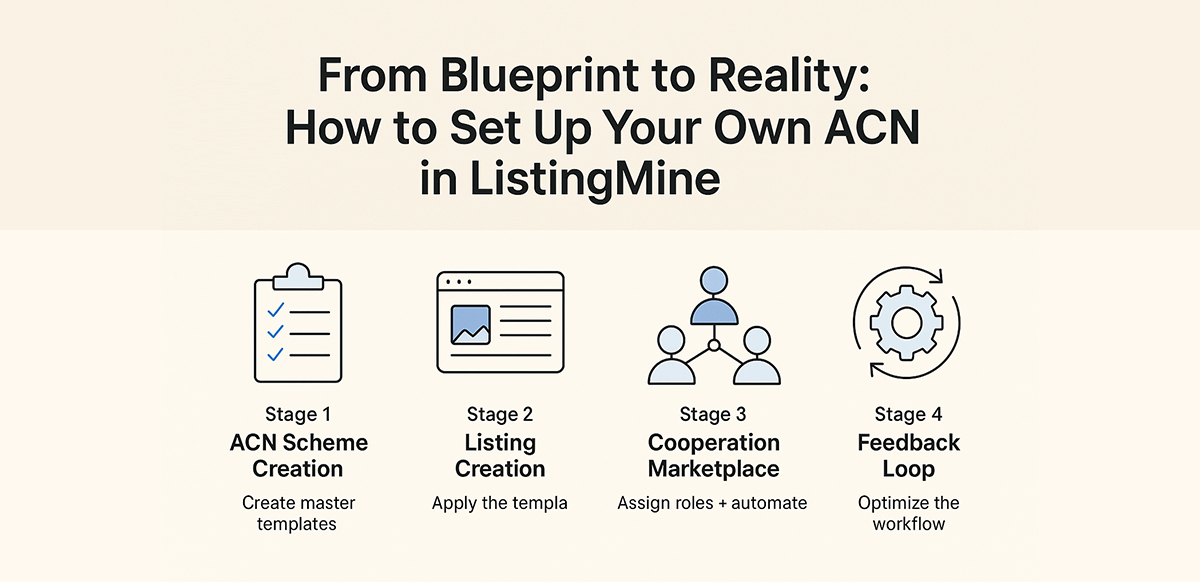
Setting up ACN requires defining roles, workflows, split rules, verification steps, and payout logic inside ListingMine. A clear blueprint turns cooperation theory into daily operations.
ListingMine Academy | System Implementation & Configuration
You have designed your workflow.
You have defined your roles.
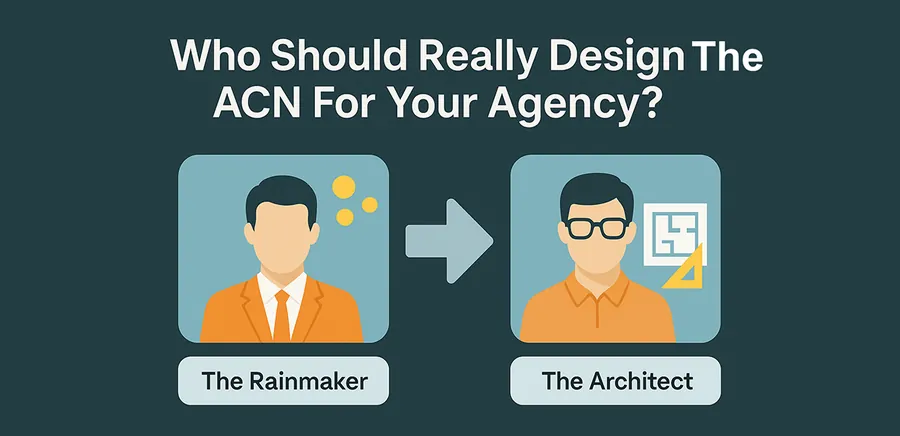
You have chosen your Agency Architect.
Now, you must input that logic into the engine.
Setting up ACN in ListingMine is not a technical exercise. It is codifying your entire business model into a governed, automated system.
Once done, the software enforces the rules — automatically, consistently, and without politics.
Below is the 4-Stage Process to turn your ACN design into a working reality.
This is where your Agency Architect builds the “Rules of Engagement.”
In ListingMine, these rulebooks are called ACN Schemes — reusable templates that define:
1. Create Sector-Specific ACN Schemes
Real estate isn’t uniform. Your Architect creates distinct templates for each segment:
| Segment | Example Roles Needed |
|---|---|
| Subsale | Lister, Verifier, Key Holder, First-View Agent, Closer |
| Rental | Lister, Tenancy Admin, Handover Specialist |
| Project/New Launch | Roadshow Manager, Booth Agent, Loan Screener |
Note: You can create multiple schemes for each sector (e.g., "Luxury Scheme," "Distress Deal Scheme," "Co-Agency Scheme").
2. Set Permission Control
Who holds the keys to the rules?
Outcome: You now have a complete ACN library — a set of templates ready for use.
When a listing is uploaded, the creator acts as the "Executor." They select the ACN Scheme designed in Stage 1.
1. Select the Correct ACN Scheme
Upload → Choose Scheme → System auto-inserts:
No need to guess. No need to argue. The architecture is already set.
2. Case-by-Case Override Authority
Some deals are special. Some listings require a different incentive model.
ListingMine allows the creator to define "Override Authority":
This creates flexibility without chaos.
3. Lead Issuance Governance
The listing creator decides the flow:
Outcome: Every listing now carries its own governance rules attached to the property ID.
This is where ACN becomes powerful.
Once a listing is live, agents don’t just “see a property.” They see job opportunities.
ListingMine becomes an internal gig marketplace. Agents apply for Micro-Jobs:
This transforms teamwork into an automated commercial network, not a "favour system."
System Automation Handles Everything
As agents take roles:
No disputes. No “I did more work.” No politics.
Critical Note: No ACN scheme is perfect on Day 1.
Your "Key Holder" fee might be too low. Your "Closer" split might be too high.
Do not panic. ListingMine allows you to adjust instantly — just like updating an Excel formula.
Typical Optimization Workflow:
The "Excel" Philosophy
ListingMine doesn’t force a business model on you.
It behaves like Microsoft Excel.
Excel doesn't care if the tax is 6% or 10%.
You decide the formula.
Excel executes it.
If the output is wrong, you update the formula.
We provide the grid. You provide the logic.
You design. ListingMine enforces.
| Stage | Action | Responsibility |
|---|---|---|
| 1. Scheme Creation | Build ACN Master Templates | Architect / Admin |
| 2. Listing Creation | Apply Scheme + Set Overrides | Listing Creator |
| 3. Cooperation | Agents take roles + Execute tasks | All Agents |
| 4. Optimization | Gather Feedback + Adjust % Formula | Architect |
ACN is not a structure. It is a design language.
ListingMine is not a portal. It is a logic engine.
You don’t adapt to a fixed ACN.
ACN adapts to your business model.
You think.
ListingMine executes.
Your team cooperates.
Your agency scales.

Founder of ListingMine and author of Agent for Life. Building ERP for Malaysian real estate agencies since 2008 — and writing to reshape how agencies grow.
More about Marvin Foong →More articles in this topic